Edit Your Website Pages
Make text and image changes to your website's Home Page and Contact Page.
Make text and image changes to your website's Home Page and Contact Page.
Make changes to your Property Description and Gallery as displayed on your Property Page

Blogs Bring Bookings. Find out what they are, how they help your website ranking and how they can boost your bookings.
How to login to your website and set / reset your password
Get acquainted with the frequently used areas of your website
Blogs Bring Bookings. Find out what they are, how they help your website ranking and how they can boost your bookings.
You manage your website bookings through your website's dashboard. Here you can confirm or delete booking requests, send emails to your guests and charge their credit cards when their balance is due to be paid.

If you would like to disable Instant Booking and receive Enquiries Only, then after you have approved your Guests' booking, you will need to confirm it.
It is extremely quick and easy to block out dates on your website. If your property is unavailable at times during the year or if you just want to temporarily block dates out while you deal with an enquiry, this is where you would do this
Using voucher codes to offer discounted bookings on your Holiday Home's website is one of the most effective ways of realising actual bookings from your advertising campaigns, whether they be Printed Flyers, Social Media or even good old Word of Mouth.

Extras could be: <ul> <li>Allowing Pets</li> <li>Allowing Additional Adults / Children</li> <li>Welcome Pack of Essentials</li> <li>Recreation passes</li> <li>Parking</li> <li>Firewood / Welcome packs</li> <li>Cleaning</li> </ul>
Fill those gaps in your booking calendar by offering a Late Deal or Discount

Specify which days of the week your guests can check-in and/or check-out. This can be very useful when you want to maintain a summer schedule of weekly bookings without any gaps in-between.
Before you consider your prices, you should define your price bands. Your Price Bands, or Seasons, are the periods of the year that share the same prices and the same minimum stays. If you have multiple properties, your price bands should be the same for each property. You can create as many Price Bands as you wish, though you will find the fewer you have, the easier you will find it to update your pricing.
Your Rates page is where you set your prices for each of your Price Bands / Seasons. You can set nightly, weekly rates or special rates depending on the day of the week.
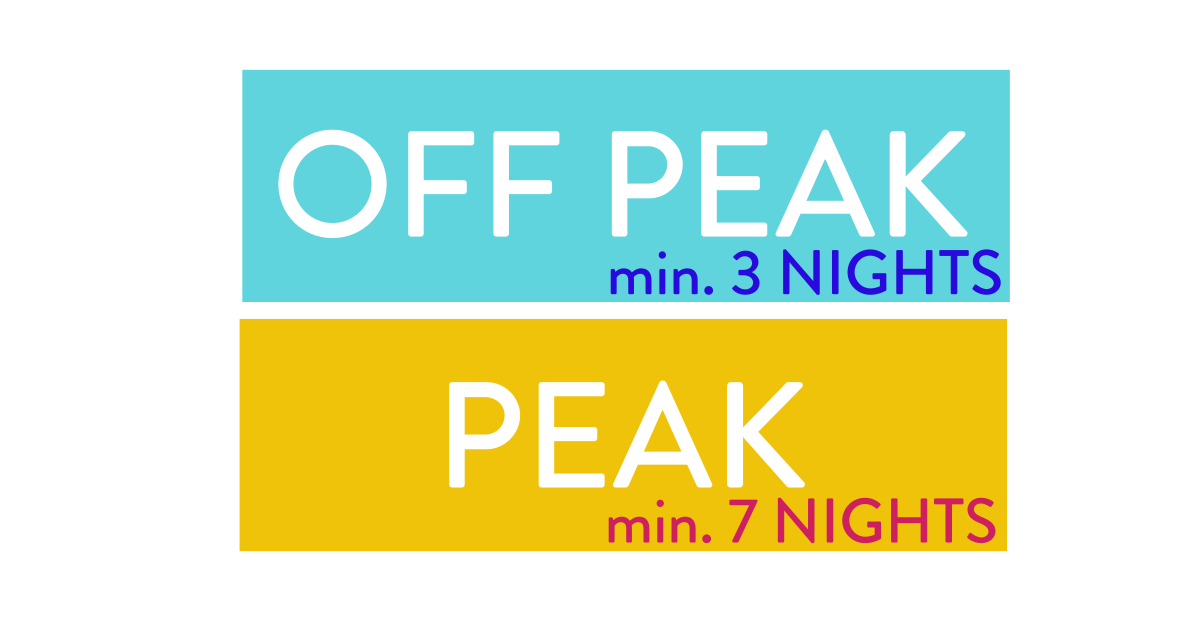
Your Booking Rules allow you to set minimum stays and specify the days of the week that guests can check in/out. You can also define Advanced Rules to create compulsory requirements, or to create special rates, discounts or voucher codes.
An introduction and overview guide to updating your holiday property pricing. Detailed guidelines and examples are provided in dedicated articles relating to your Seasons, your Rates and your Booking Rules.

Setting and amending your Booking Deposit. A booking deposit is part of the accommodation price that is payable at the time of booking.
Setting or editing your Security Deposit Your Security Deposit is an amount of money that can either be paid by your guest or pre-authorised from your guests' credit card to cover the cost of any damages caused during their stay
Instant Payment is an attractive option for your prospective guests and should lead to you receiving more bookings through your website
Stripe is our recommended Payment Provider as it has two clear advantages over Paypal. Firstly it allows you to accept pre-authorised payments from your guests and secondly it doesn't whisk your guest away from your website to its own website to make payment.
Your booking system is extremely flexible in the way it can be setup to accept payments from your guests. If you don't wish to accept instant payments or card payments, you can ask guests to pay you direct into your bank account. If you would like to offer guests the choice of payment by card or bank transfer, then it can do this for you also.

Use your Booking System to create weekend packaged rates or midweek package rates.
You can choose to use a FREE Paypal Business Account to accept online payments on your Holiday Home's Website. Setting up an Account with Paypal is quite straightforward with detailed instructions here.
Explaining how your website's Availability Calendar works
Keep your website’s availability calendar updated with your Booking.com bookings
Keep your website's availability calendar updated with all the bookings you receive from VRBO.
Keep your website's availability calendar updated with all the bookings you receive from Airbnb.
Sync Your Website's Availability Calendar to multiple agencies.

Make communicating to your Guests easier and more professional with automated emails.
Letting you know when you receive a new booking request
How to back-up your website
Understand the impact of automatic WordPress Updates
Make sure you update your website's software to prevent issues and benefit from new features