Your Property Page – or Property Pages if you have more than one Holiday Home – provides amongst other things a full property description, a Featured Image (see below), a Photo Gallery and key facts about your property.
Finding Your Property Page
Your properties will be located under the ‘Accommodation’ Menu listed on your Dashboard. OWcal > Accommodation
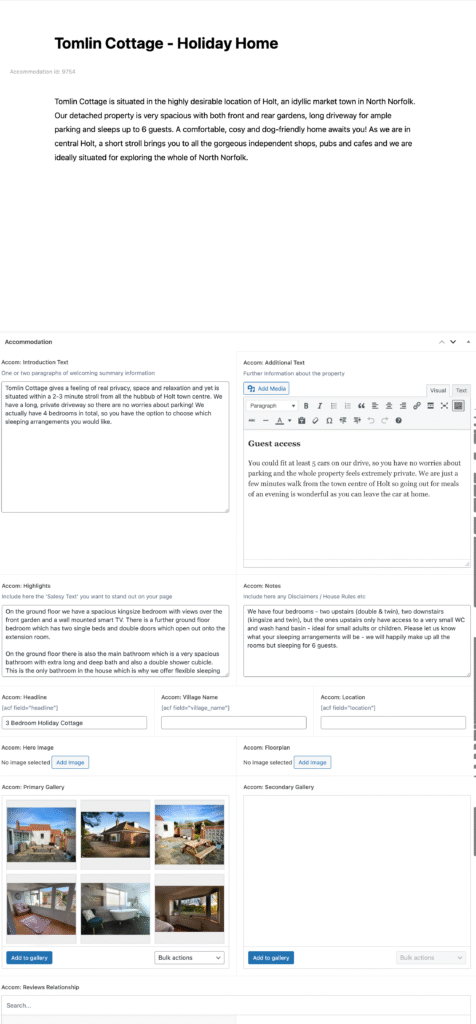
Featured Image
Your ‘Featured Image’ is the primary image for your Property Page and it is this image that will appear on Social Media should you decide to share your page.
Your Featured Image should ideally be Landscape Orientated, not Portrait and a minimum width of 1024 pixels. Much less than that and your image will look grainy when viewed on large screens.
Save Your Changes
After you have amended the details on your page, be sure to click on the blue Update button at the top right of the screen to save your changes.