Personalised Email

Our Website Hosting Plan includes up to 3 email accounts for you to use to manage and promote your Holiday Rental.
Your email accounts can be accessed on any browser (Chrome / Internet Edge / Safari) or you can configure them to work inside your PC or Mobile device’s mail application (MS Outlook, Mac Mail, iOS Mail)
If you don’t want an additional inbox to check in on, at no additional cost we can put in place an auto-forward service. This means that emails sent to any of your new personalised email accounts are automatically copied to your existing personal email account.
Access Your Email From Your Browser
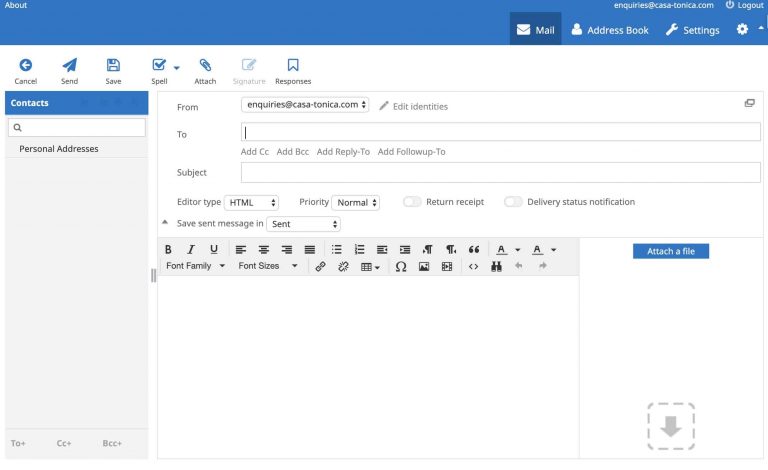
The easiest way to access your email is from your PC or mobile device’s browser.
and enter your Username / Email Address, and Password
Setup your email on an Apple Device
(iPhone/iPad)
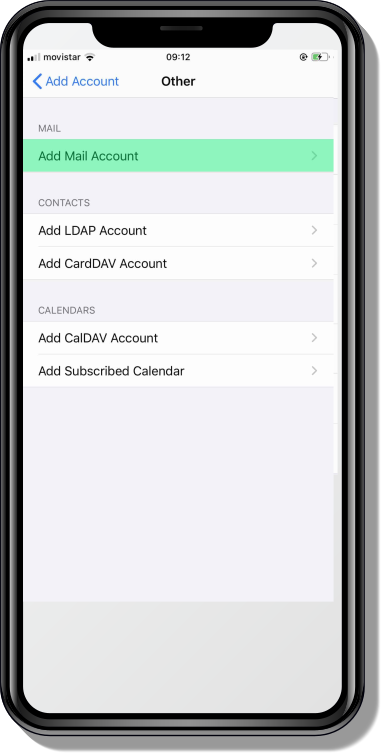
1. Select Mail Type
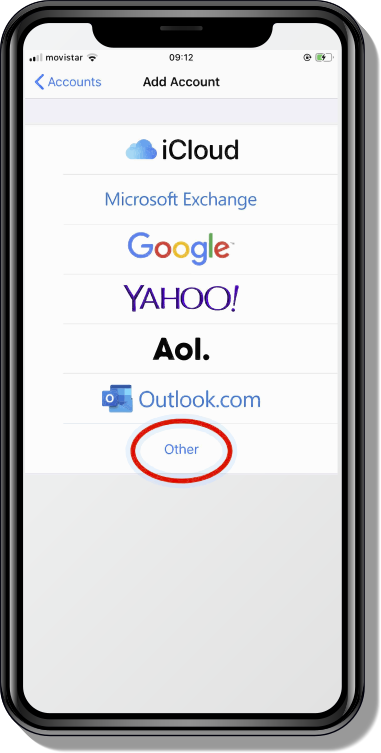
2. Add A New Account
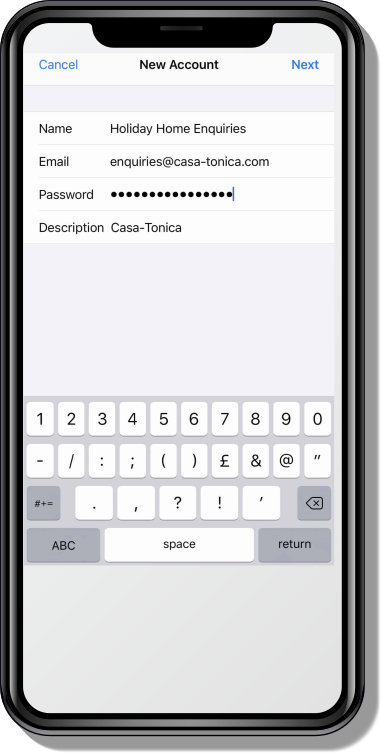
3. Email & Password
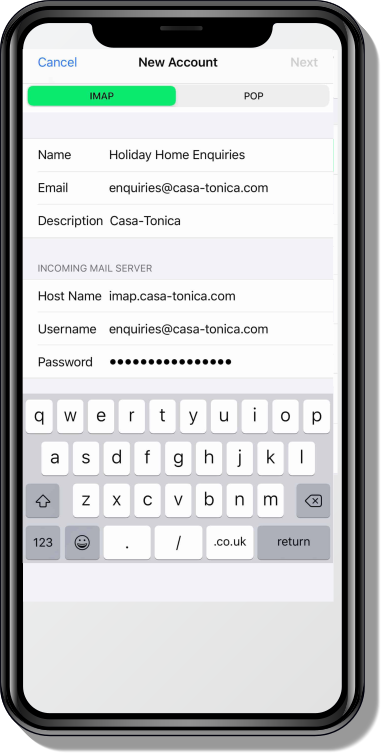
4. Inbox Settings
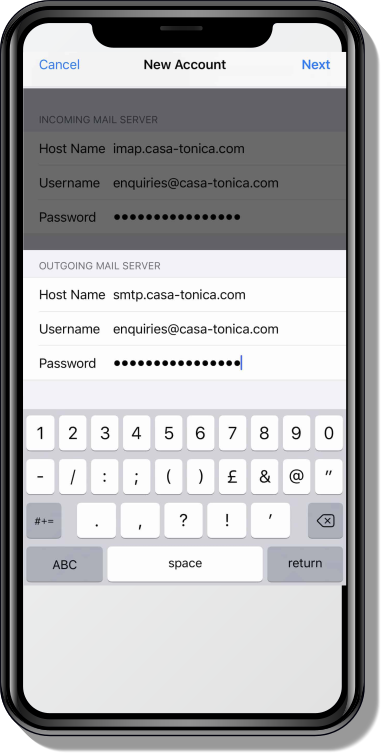
5. Sent Mail Settings
6. Complete Setup
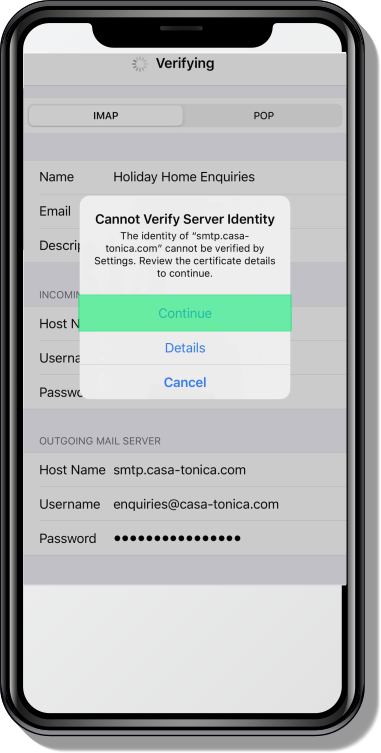
Setup your email on MS Outlook
(Windows PC / Mac)
1. Select Mail Type
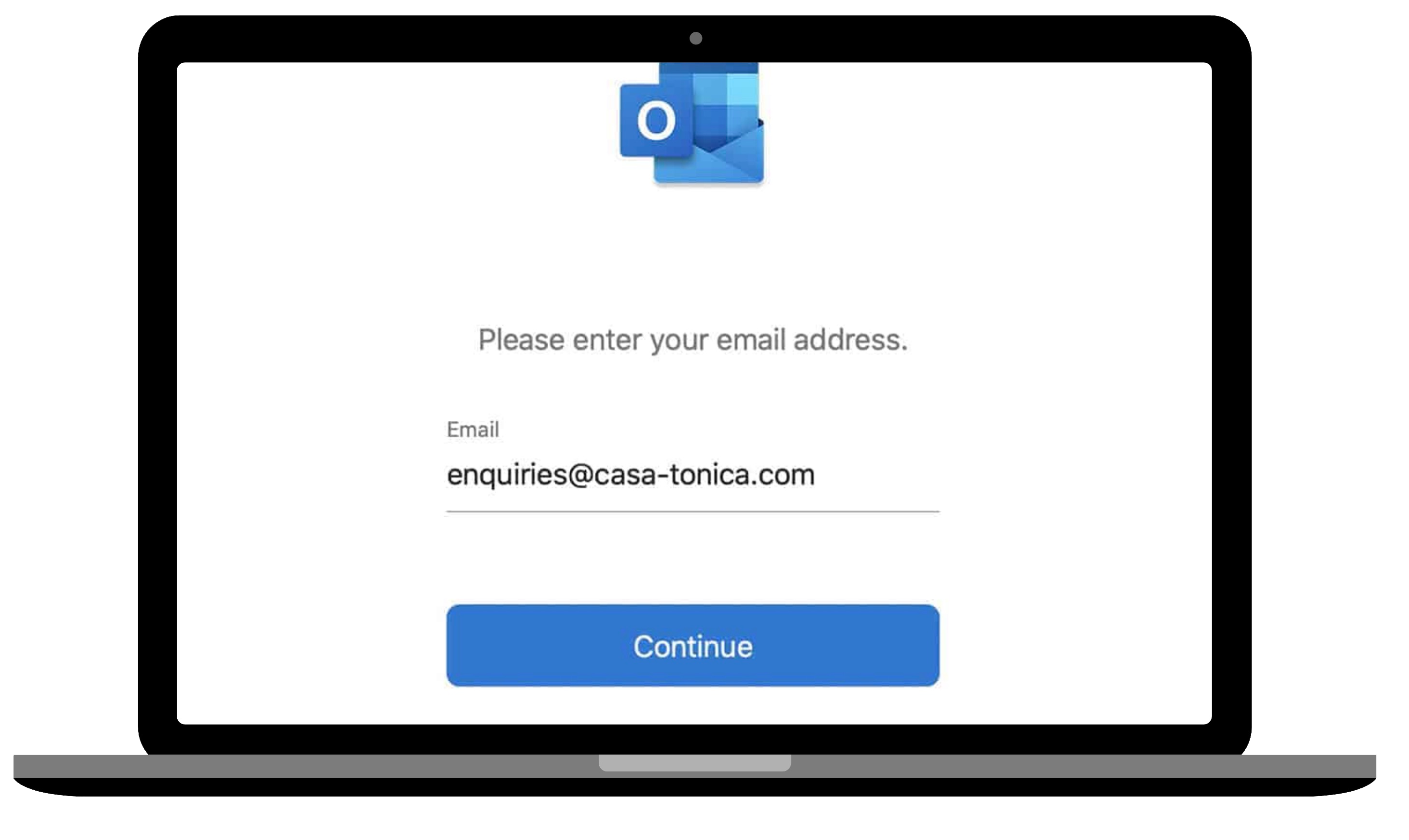
2. Add A New Account
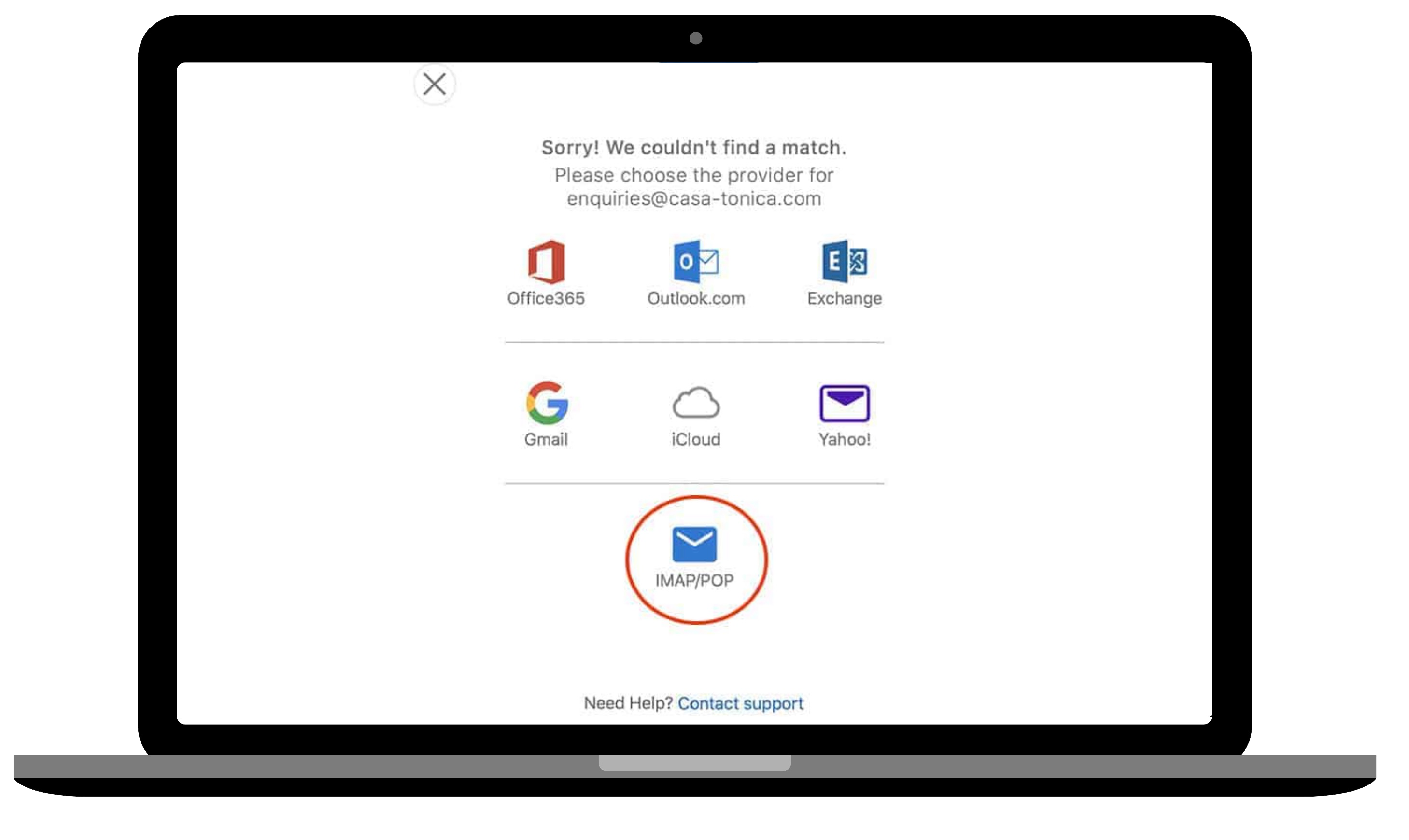
3. Email & Password
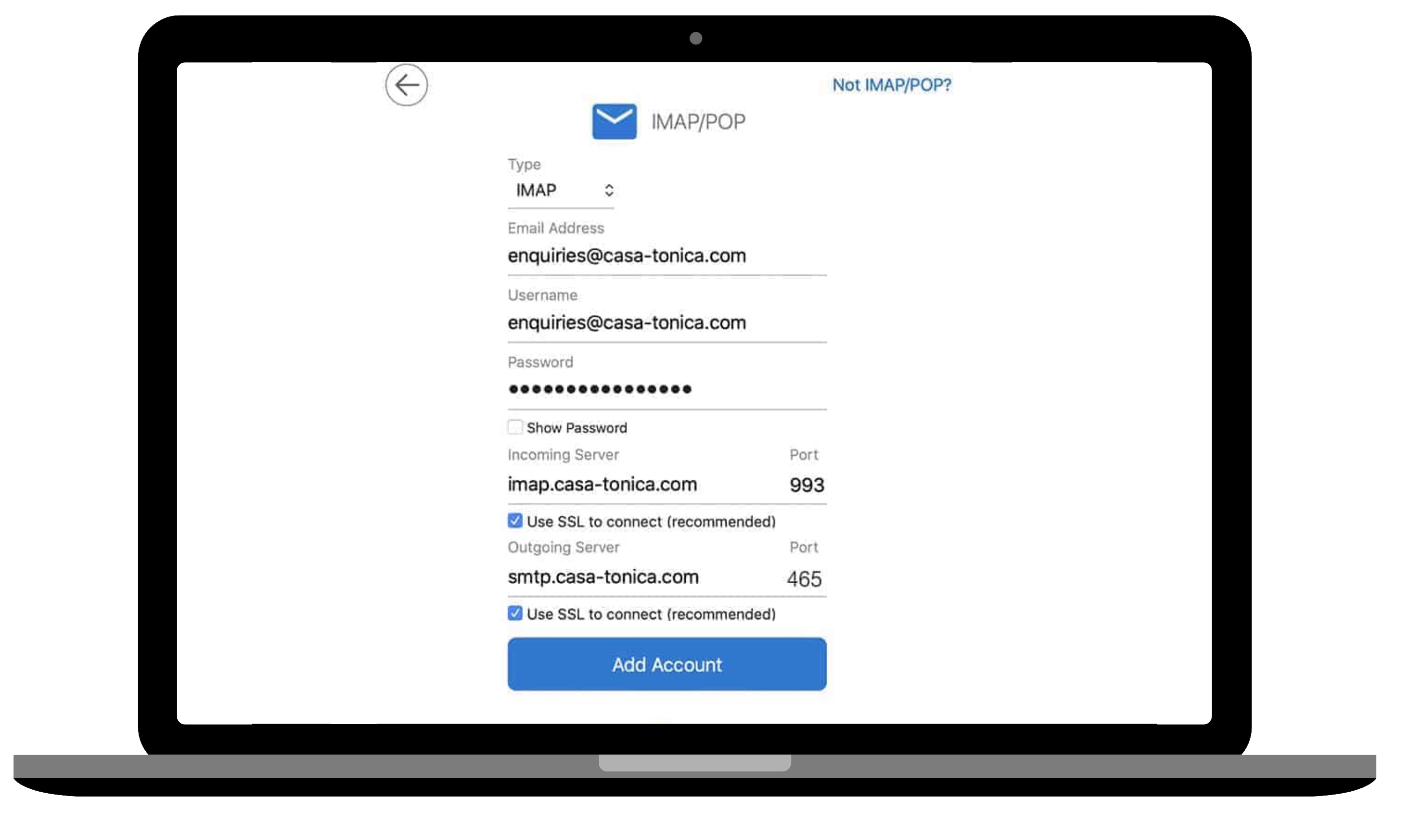
4. Inbox Settings
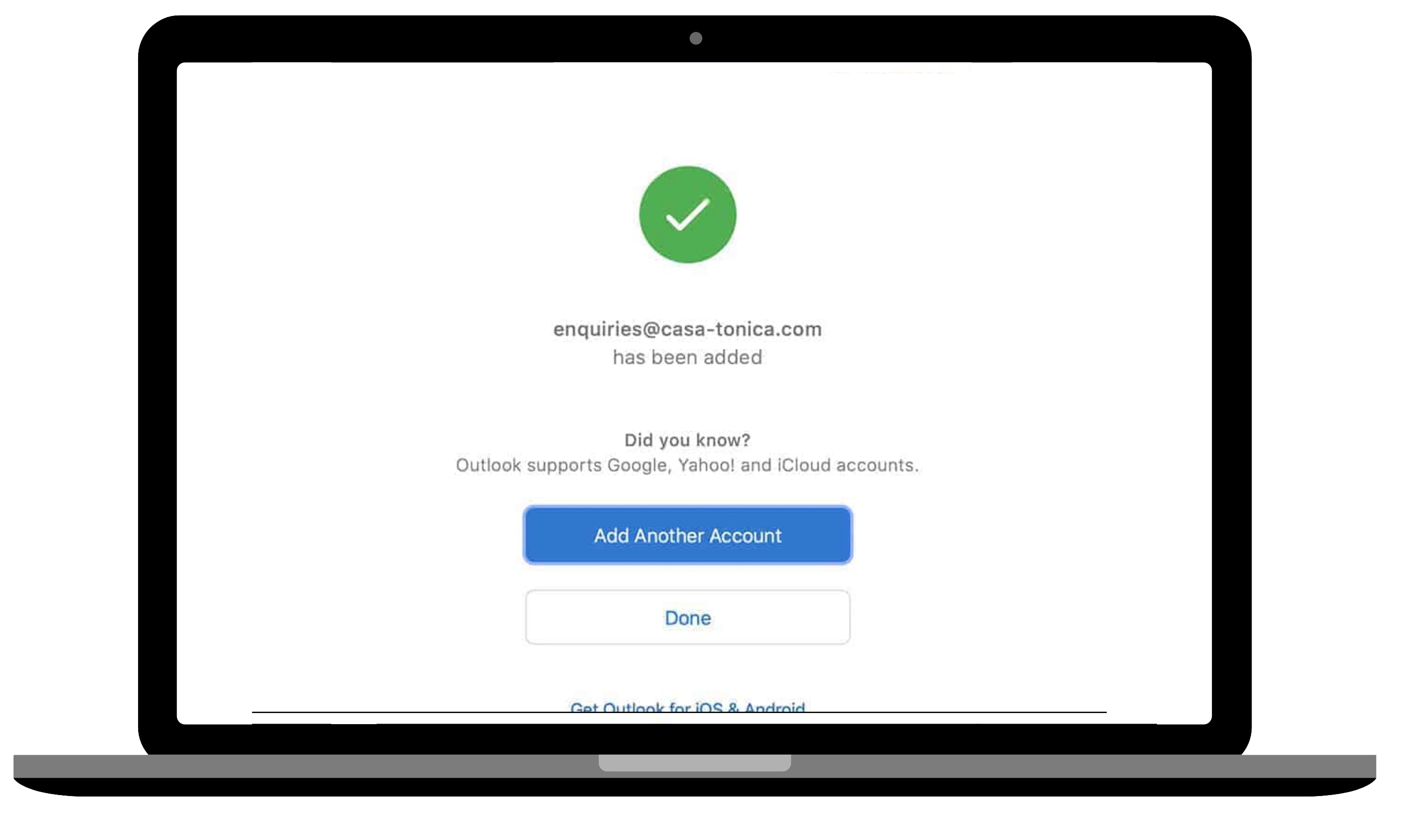
Troubleshooting
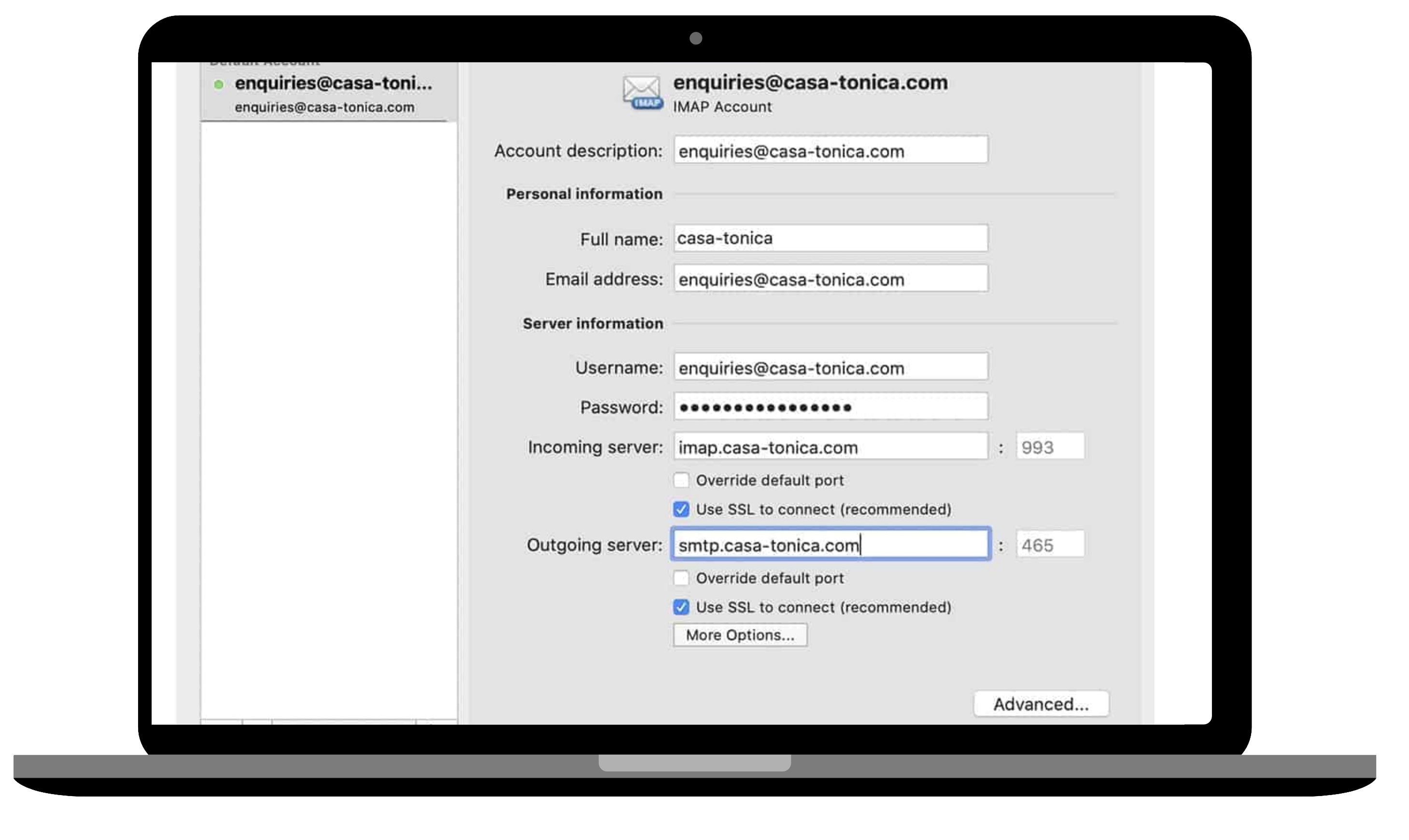
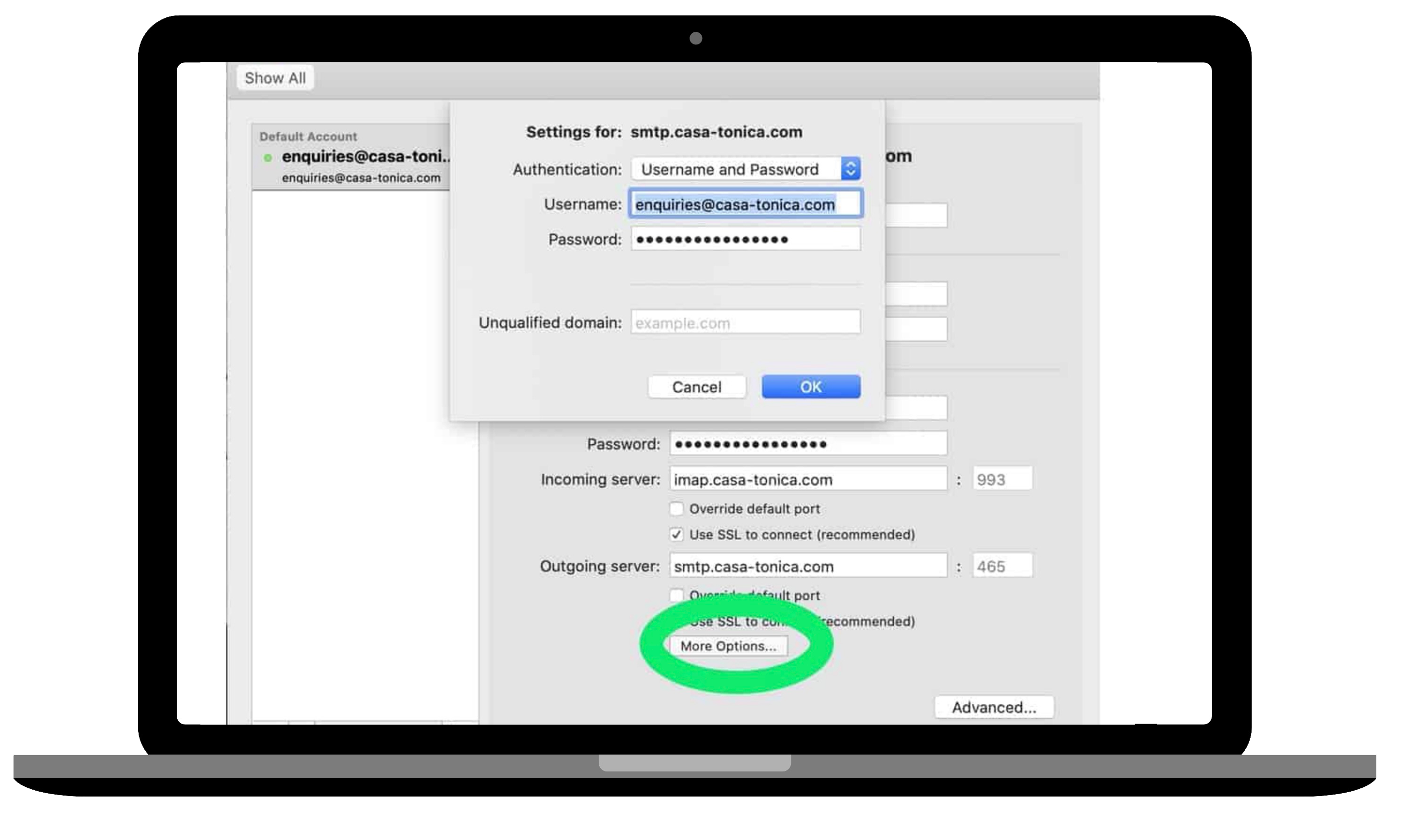
Having setup your email account, if you are not receiving or able to send emails to and from your new account, please check your account preferences.
Your account should be setup using the configuration details as shown below, replacing the domain casa-tonica.com with your own domain name and email address.
Troubleshooting No Emails IN
Troubleshooting No Emails OUT
More from
Owners Websites
Business Add-on

Agency Website Design
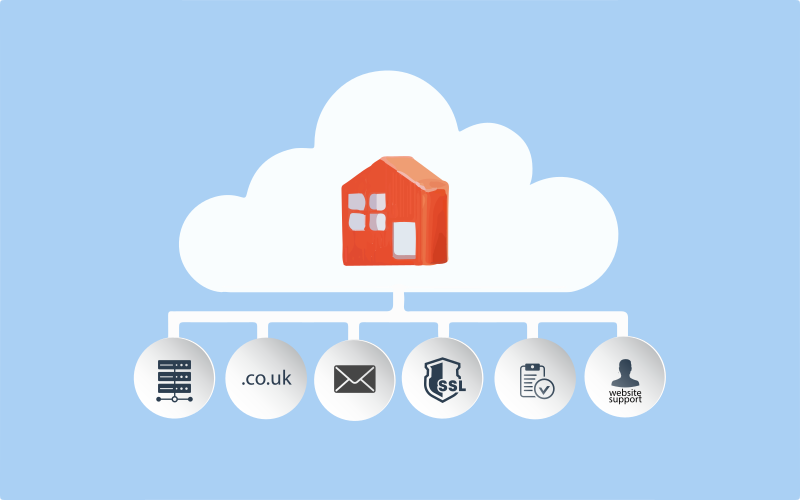
Managed Hosting Service
SEO – Advanced Service Review
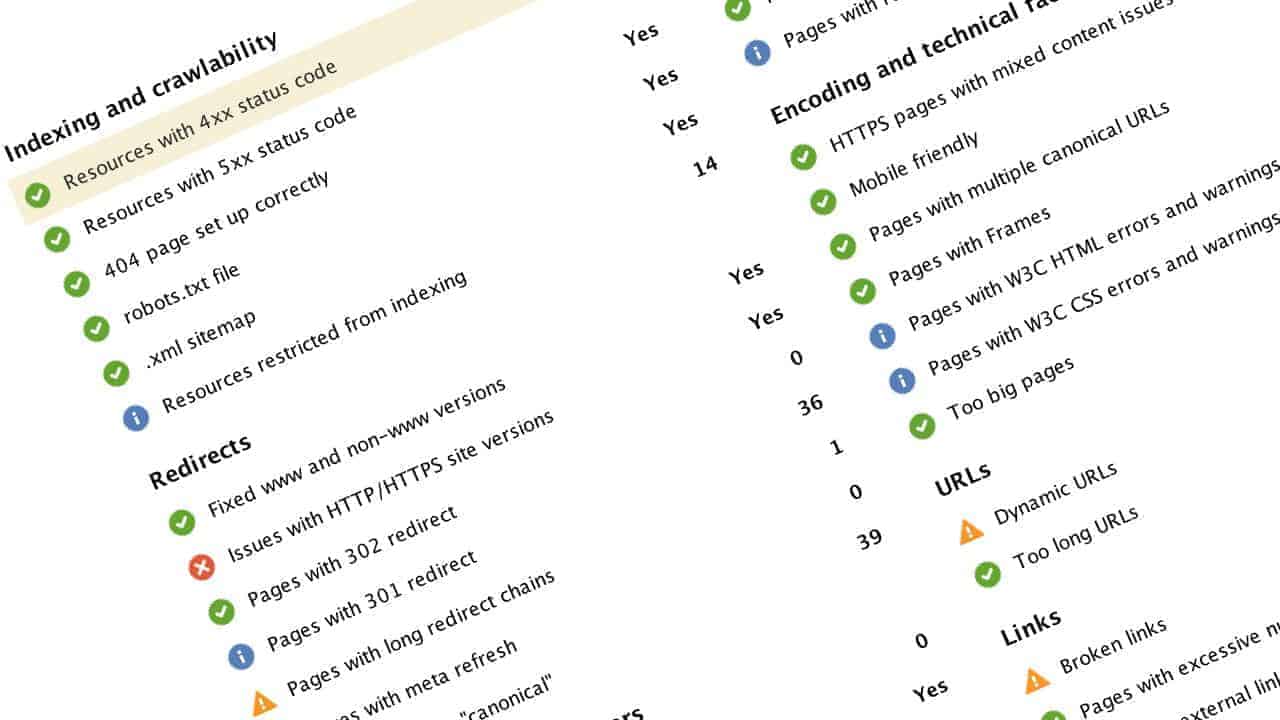
SEO – Standard Service
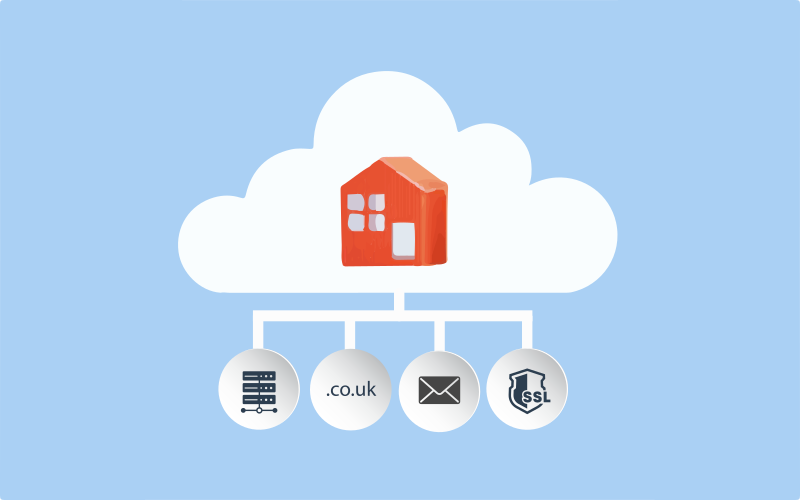
Self Managed Hosting Service

Multiple Property Website Design